
Choosing the right airplane seat can make or break your travel experience. From extra legroom to better views, each seat offers a unique advantage or disadvantage. For frequent flyers and occasional travelers alike, knowing which seat to pick can enhance comfort and convenience.
SeatGuru has become a go-to resource for travelers looking to make informed seat choices. By offering detailed seating charts, passenger reviews, and in-flight amenity guides, it helps you avoid uncomfortable spots and maximize your flight enjoyment.
This guide will walk you through everything SeatGuru offers. You’ll learn how to use it effectively, explore its features, and understand why it’s an essential tool for planning better air travel experiences.
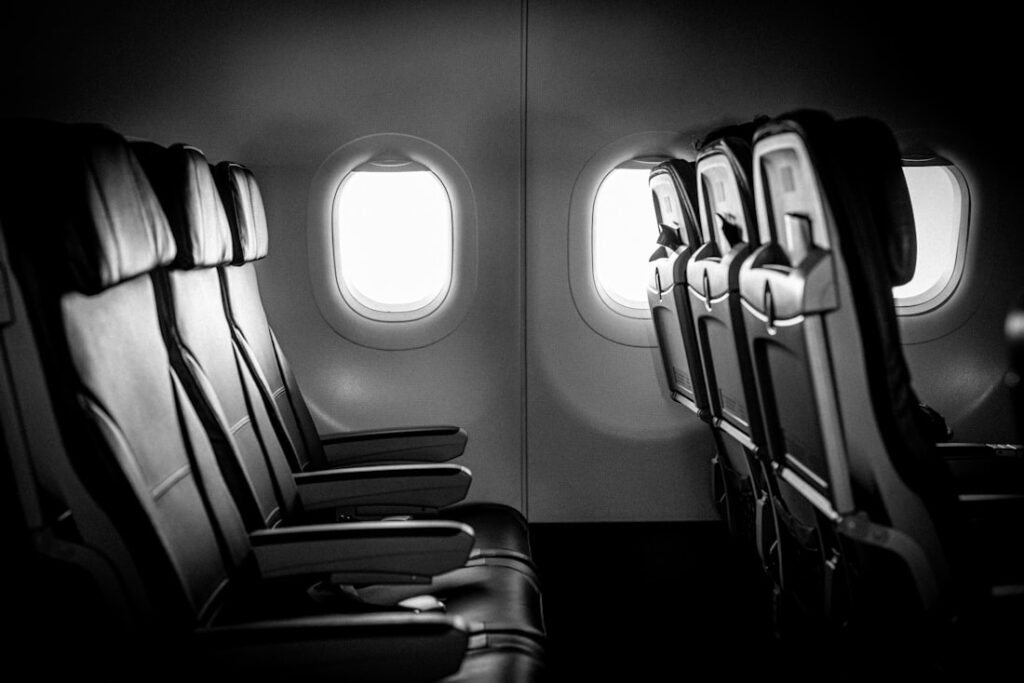
What is SeatGuru?
A Brief Overview
SeatGuru is a travel website that provides seat maps, reviews, and in-flight information for various airlines. It helps travelers choose the best seats before booking a ticket or during check-in.
How It Works
By searching for your airline and flight number, SeatGuru shows the aircraft layout, highlighting the best and worst seats with color codes and notes.
Why It’s Popular
Frequent flyers rely on it for accurate seat recommendations, helping them avoid cramped legroom, limited recline, or noisy areas near the galley and lavatories.
Key Features of SeatGuru
Detailed Seat Maps
SeatGuru offers comprehensive seat maps with color-coded ratings, so you can quickly identify which seats are worth booking.
In-Flight Amenities Guide
The platform lists entertainment options, power outlets, and Wi-Fi availability, making it easier to plan your flight activities.
Quick Seat Comparison
With side-by-side comparisons, you can see how seats differ in pitch, width, and amenities.
Key benefits include:
- Accurate seat reviews from real passengers
- Updated airline and aircraft information
- Easy-to-use search and filter options
Read More: The Best Seats When Flying on Southwest Airlines [2025]
How to Use SeatGuru Effectively
Step 1: Search Your Flight
Enter your airline, flight number, and date to access your aircraft’s specific seat map.
Step 2: Read Seat Notes
Respond to warnings about restricted recline, proximity to restrooms, or missing windows.
Step 3: Compare Before Booking
Use the information to decide if paying for a premium seat is worth it.
Seat Selection Tips
Choose Based on Flight Duration
For long-haul flights, prioritize legroom and comfort. Short flights may allow you to focus more on convenience and price.
Consider Noise Levels
Seats near the wings often experience less turbulence, while those at the front may offer quicker boarding and exit.
Factor in Personal Needs
When selecting your seat, keep in mind:
- Extra legroom for tall passengers
- Easy aisle access for frequent movement
- Window views for scenic flights
Common Mistakes to Avoid
Ignoring Seat Reviews
Skipping passenger feedback can lead to uncomfortable surprises.
Choosing Price Over Comfort
Cheaper seats may have hidden drawbacks, such as reduced recline or limited space.
Forgetting to Check Amenities
Avoid these errors by:
- Checking Wi-Fi availability in advance
- Ensuring power outlets match your devices
- Reviewing meal service details before booking
Alternatives to SeatGuru
Airline Websites
Some airlines offer their interactive seat maps, though they may lack passenger reviews.
ExpertFlyer
A premium tool providing detailed seat availability and upgrade alerts.
TripAdvisor Flight Reviews
Since SeatGuru is part of TripAdvisor, you can also browse traveler opinions directly on the platform.
Conclusion
SeatGuru is an invaluable tool for travelers seeking comfort and convenience in the air. With detailed seat maps, user reviews, and amenity guides, it takes the guesswork out of seat selection. Whether flying economy, business, or first class, using SeatGuru ensures you make informed decisions, enhancing your travel experience. Smart seat selection leads to a smoother, more enjoyable journey from takeoff to landing.
