
John F. Kennedy International Airport (JFK), located in Queens, New York, is one of the busiest airports in the United States, serving over 63 million passengers annually. With five active terminals (1, 4, 5, 7, and 8), navigating between them can seem daunting, especially for first-time travelers or those with tight connections. Whether you’re transferring for an international flight or meeting someone at another terminal, understanding your options is key to a smooth journey.
JFK’s terminals are arranged in a U-shaped layout, connected by the efficient AirTrain system, shuttle buses, and limited pedestrian pathways. Each method suits different needs, from those with mobility issues to travelers with heavy luggage. Factors like time, cost, and convenience influence the best choice. This guide breaks down how to move between terminals at JFK, ensuring you reach your destination stress-free.
From the free AirTrain to complimentary shuttle buses, this article covers all transfer methods, including tips for accessibility and time estimates. Whether you’re rushing for a connecting flight or exploring JFK’s amenities, you’ll find clear steps to navigate the airport with ease. Plan ahead to make your transfer seamless at this bustling global hub.
AirTrain: The Fastest and Most Convenient Option
The AirTrain is JFK’s automated people mover, connecting all terminals, parking lots, and external transit hubs like Jamaica and Howard Beach stations. Operating 24/7 with trains every 2–5 minutes, it’s the most reliable way to transfer between terminals. Rides within the airport are free, and stations are accessible via elevators and walkways. Check terminal signs for AirTrain directions.
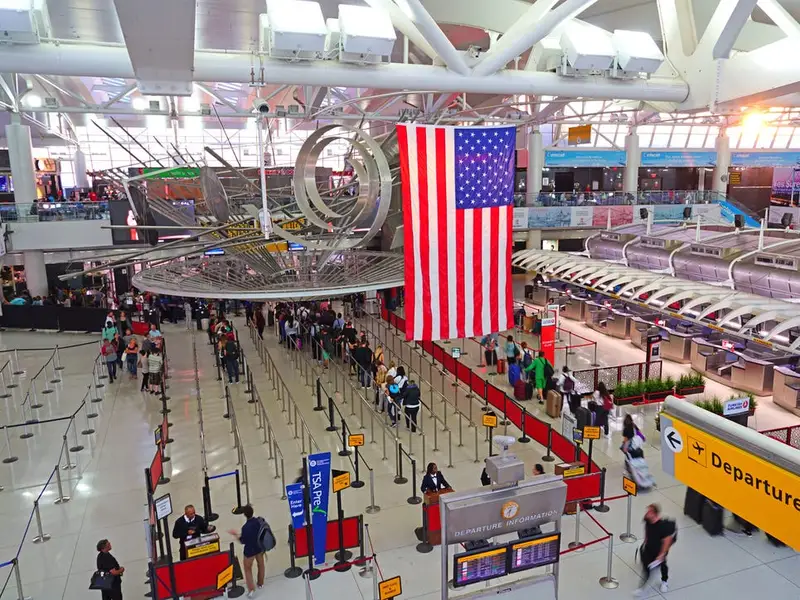
How to Use the AirTrain
- Follow “AirTrain” signs from your terminal’s arrivals or departures level to the station.
- Board the Gold Line for terminal-only loops or Red/Green Lines for all stops.
- Rides between terminals take 2–8 minutes, depending on distance (e.g., Terminal 4 to 8 takes ~4 minutes).
- No ticket is needed for terminal transfers; fares ($8.50) apply only for Jamaica/Howard Beach exits.
- Use station maps or ask staff to confirm your terminal’s stop.
Accessibility Features
The AirTrain is fully accessible for passengers with mobility needs. Elevators connect terminals to stations, and level boarding ensures easy access. Audio announcements and tactile paving aid visually impaired travelers. Request assistance at Welcome Centers if needed. For heavy luggage, carts are available at terminals but may not fit on trains.
Time and Frequency
Trains run every 2–5 minutes during peak hours (6 AM–10 PM) and 5–10 minutes overnight. A full loop (all terminals) takes about 8 minutes. Allow 10–15 minutes total, including walking to/from stations. Check real-time schedules on JFK’s website or station screens to avoid waiting during off-peak times.
Shuttle Buses: Free Inter-Terminal Transfers
JFK offers free shuttle buses for terminal transfers, ideal for those with mobility issues or heavy luggage. Operated by the Port Authority, these 12 inter-terminal shuttles run every 15 minutes from arrival bays, reducing road congestion. They’re a great alternative to the AirTrain for passengers needing extra assistance or avoiding stairs. Look for shuttle signs curbside.
Delta Shuttle Bus (Terminals 2 and 4)
- Availability: Serves passengers connecting between Terminals 2 (closed in 2023, but relevant for historical transfers) and 4.
- Stops: Gates B23, B54, and near A9 in Terminal 4; no security recheck needed for Delta passengers.
- Frequency: Every 10–15 minutes, 24/7.
- Accessibility: Wheelchair-accessible with space for luggage.
- Tip: Confirm with Delta staff if your flight qualifies for this shuttle.
Port Authority Inter-Terminal Shuttles
- Availability: Connects all terminals (1, 4, 5, 7, 8) from arrival bay curbsides.
- Frequency: Every 15 minutes, 24/7, with real-time tracking via JFK’s website.
- Accessibility: Equipped with lifts and space for wheelchairs and large bags.
- Time: 10–20 minutes between terminals, depending on traffic and stops.
- Tip: Ask at Welcome Centers for shuttle locations if signage is unclear.
When to Choose Shuttles
Shuttles suit travelers with mobility challenges, families with strollers, or those with oversized luggage. They’re slower than the AirTrain due to road traffic but avoid the need to navigate train stations. Allow 20–30 minutes for transfers, accounting for wait times and potential congestion. Contact your airline or Welcome Centers for special assistance arrangements.
Walking: Limited but Possible for Close Terminals
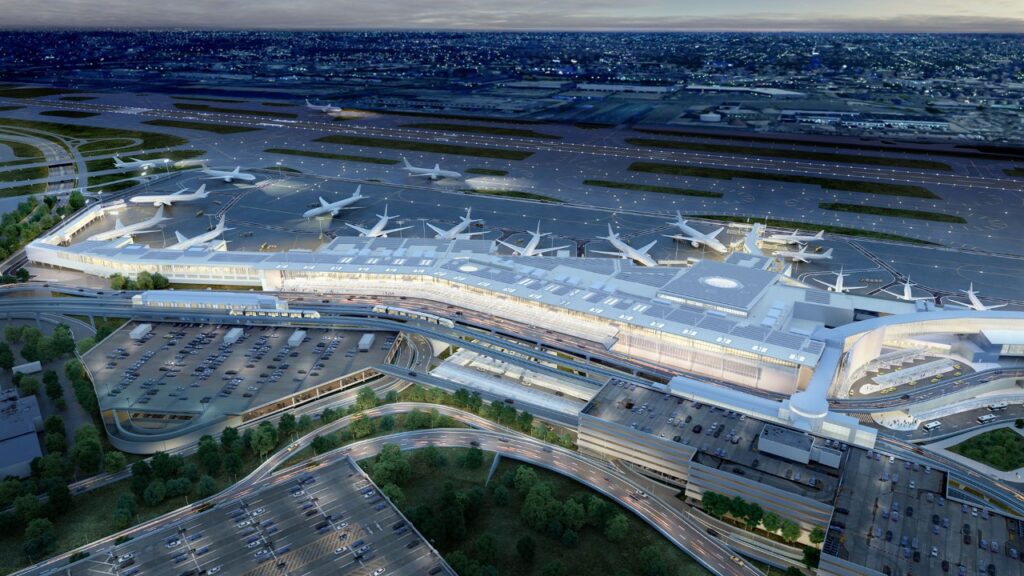
Walking between terminals is not encouraged due to busy roadways and lack of airside (post-security) connections. However, pedestrian walkways exist for adjacent terminals like 4 and 5 or 1 and 8, taking 5–10 minutes. Sidewalks are available landside (pre-security), but you’ll need to re-clear security at your destination terminal. Carry light luggage for easier navigation.
Walkable Terminal Pairs
- Terminals 4 and 5: ~5–7 minutes via landside sidewalks; follow signs from arrivals.
- Terminals 1 and 8: ~8–10 minutes using level 1 or 4 walkways; closest parking at Terminal 8.
- Other Pairs: Not practical due to distance and traffic (e.g., Terminal 5 to 7 takes 15+ minutes).
- Luggage: Avoid walking with heavy bags; use carts if necessary.
- Tip: Check terminal proximity on JFK’s map before deciding to walk.
Security Recheck
No terminals connect airside, so walking requires exiting and re-entering security. Allow 15–30 minutes for TSA screening, longer during peak hours (6–9 AM, 4–7 PM). Use CLEAR or TSA PreCheck to speed up. International arrivals must clear customs before walking, adding 30–60 minutes. Check security wait times on JFK’s website.
When to Walk
Walking suits passengers with light bags, ample time (2+ hours), and nearby terminals. It’s not ideal for tight connections, mobility issues, or bad weather. If walking, wear comfortable shoes and stay on designated sidewalks to avoid vehicle traffic. For longer distances, opt for the AirTrain or shuttles instead.
Taxis and Rideshares: Paid Options for Convenience
Taxis and rideshares like Uber or Lyft are available for terminal transfers, though they’re less common due to cost and traffic. They’re best for passengers with significant luggage or those prioritizing comfort. Pick-up zones are outside baggage claim, and fares start at $10–$20 for short trips. Book via apps or taxi stands for reliability.
Taxi Transfers
- Cost: Flat fares ($10–$15) plus tolls/tips; confirm with drivers.
- Pick-Up: Follow “Taxi” signs at arrivals; use authorized yellow cabs.
- Time: 10–20 minutes, depending on traffic (worse during rush hours).
- Accessibility: Accessible taxis are available; request them at the dispatch booths.
- Tip: Avoid unofficial drivers soliciting rides to prevent scams.
Rideshare Transfers
- Cost: $15–$25 via Uber/Lyft, varying by demand and vehicle type.
- Pick-Up: Designated zones at Terminals 1, 4, 5, 7, and 8; follow “Ride App” signs.
- Time: 15–25 minutes, including wait time and traffic.
- Accessibility: Request accessible vehicles through apps; shuttles may be needed to pick up from designated lots.
- Tip: Use Uber’s PIN Dispatch at Terminals 4 and 5 for premium rides.
When to Use Taxis/Rideshares
Choose taxis or rideshares if you have heavy luggage, prefer door-to-door service, or face mobility challenges not met by shuttles. They’re costlier and slower than free options, so reserve for non-urgent transfers. Allow 30 minutes during peak traffic hours (8:00 AM–10:00 AM, 4:00 PM–7:00 PM). Pre-book rideshares for smoother coordination.
Accessibility and Special Assistance
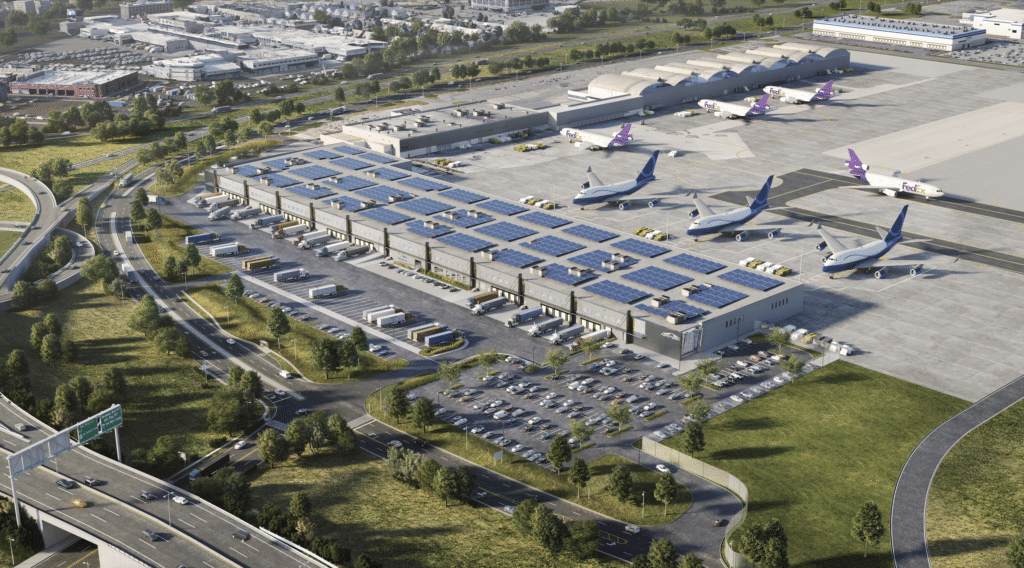
JFK prioritizes accessibility for passengers with mobility issues, offering tailored transfer options. Welcome Centers and airline staff coordinate assistance, including escorts, wheelchairs, and motorized carts. Request help at least 48 hours in advance via your airline or JFK’s website. All transfer methods (AirTrain, shuttles, taxis) include accessible features to ensure inclusivity.
Requesting Assistance
- Airlines: Contact your carrier to arrange wheelchairs or escorts (e.g., Delta at 1-800-221-1212).
- Welcome Centers: Located in each terminal; staff assist with transfers and navigation.
- Concierge Services: ALWAYS at Terminal 4 offers baggage handling and buggy rides for a fee.
- Time: Allow 30–60 extra minutes for assisted transfers, especially during peak hours.
- Tip: Carry your itinerary to streamline coordination with staff.
Accessible Transfer Options
AirTrain stations have elevators and level boarding, while shuttles feature wheelchair lifts. Motorized carts operate within terminals for long distances. Taxis and ride-sharing services offer accessible vehicles upon request. For international connections, customs areas have priority lanes for assisted passengers. Check JFK’s accessibility page for detailed resources.
Tips for Smooth Transfers
Notify your airline of your needs when booking. Arrive 3 hours early for international flights or 2 hours for domestic to account for assistance wait times. Carry a charged phone to contact staff (JFK info: 718-244-4444). If transferring with luggage, request baggage handling to ease the process. Confirm terminal details with your airline to avoid confusion.
Tips for Efficient Terminal Transfers
Planning your transfer minimizes stress, especially during JFK’s busy periods. Whether you’re on a tight connection or leisurely layover, these tips ensure a seamless experience. Always check your flight’s terminal on JFK’s website or with your airline. Allow extra time for unexpected delays like security or customs.
Plan Your Connection Time
- Domestic to Domestic: Allow 1–1.5 hours; 30 minutes minimum for same-terminal transfers.
- Domestic to International: 1.5–2 hours; add 30 minutes for terminal changes.
- International to Domestic/International: 2.5–3 hours, including customs (30–60 minutes).
- Peak Hours: Add 15–30 minutes for crowds (6–9 AM, 4–7 PM).
- Source: Based on traveler experiences and JFK guidelines.
Check Terminal Details
Verify your arrival and departure terminals (e.g., JetBlue at Terminal 5, Delta at Terminal 4). International flights depart from multiple terminals, so don’t assume a single “international terminal.” Use JFK’s interactive map or app for real-time gate and terminal info. Ask airline staff if unsure about codeshare flights (e.g., JAL at Terminal 8).
Prepare for Security and Customs
Expect to re-clear security when switching terminals, taking 15–30 minutes. International arrivals require customs clearance at your entry terminal (e.g., Terminal 1 for Air France), which adds 30–60 minutes. Use Mobile Passport or CLEAR for faster processing. Pack carry-ons efficiently to speed up TSA checks. Pre-book your reservation with CLEAR at Terminal 4 to skip security lines.
Conclusion
Navigating between terminals at JFK is straightforward, with options including the free AirTrain, shuttle buses, and paid taxis and rideshares. The AirTrain offers the fastest transfers (2–8 minutes), while shuttles cater to those with luggage or mobility needs. Walking is possible for nearby terminals but requires security rechecks. Plan for 1–3 hours based on your connection type, and use JFK’s accessibility services for a seamless experience.
